What it is
Press a hotkey anywhere on the Mac, type a line, press return, and it lands in the right place: an Obsidian daily note, a specific Markdown file or a Todoist task. The panel vanishes and you never left what you were doing.
A macOS menu-bar capture app for getting a thought into Obsidian, Markdown or Todoist before it disappears.
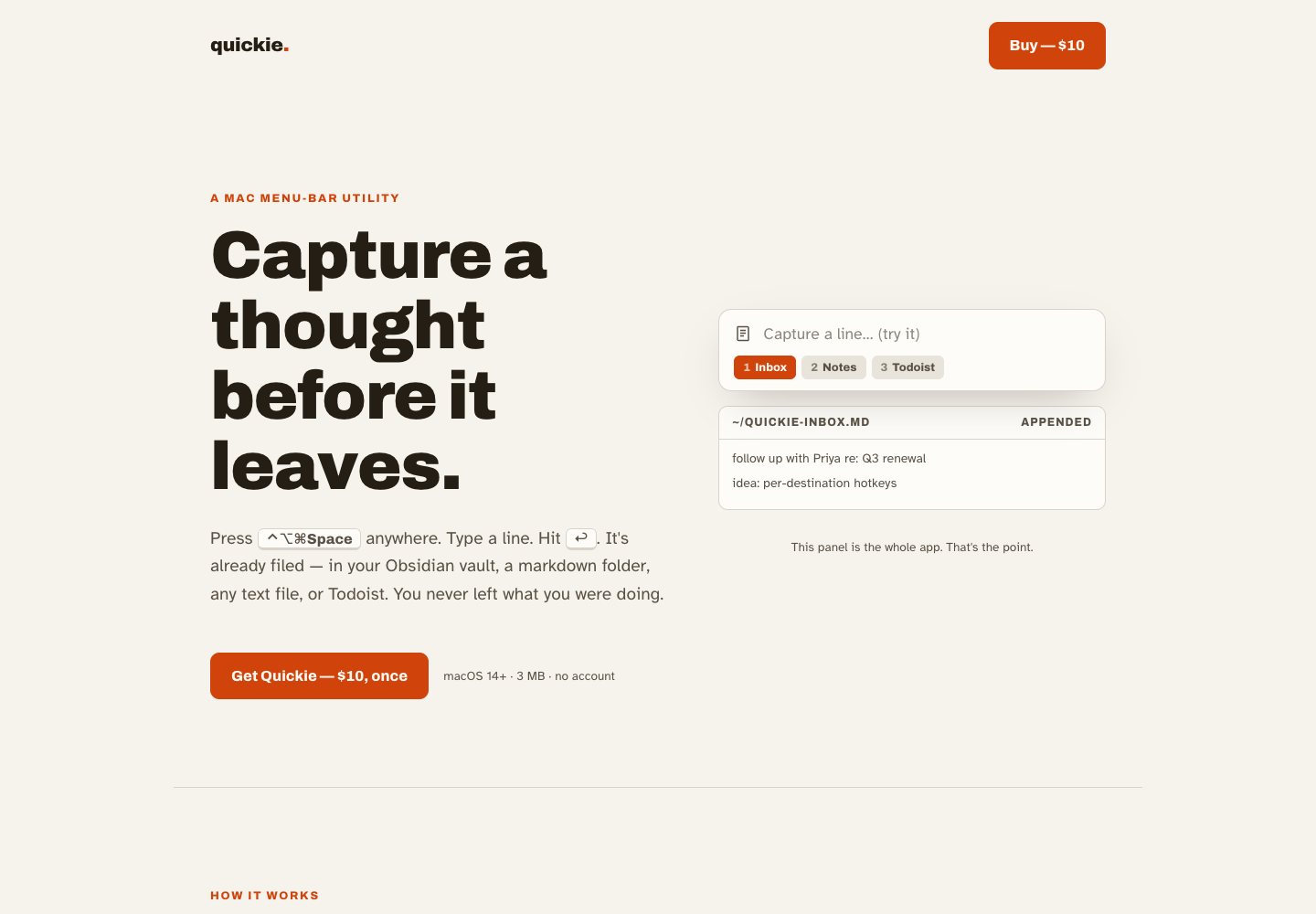
Press a hotkey anywhere on the Mac, type a line, press return, and it lands in the right place: an Obsidian daily note, a specific Markdown file or a Todoist task. The panel vanishes and you never left what you were doing.
I put speed and safety ahead of features. File creation is exclusive, prepending stops if the existing text can't be read, and a Todoist failure hands your text back.
I also held back the launch page. It describes a signed and notarised app, so it doesn't go public until that's true.
A SwiftUI menu-bar app generated with XcodeGen. A configurable global hotkey, Obsidian-aware destinations with date tokens, the Todoist API with the token kept in the Keychain, launch at login and performance signposts.
It's a native Mac app, built with agents in Swift rather than the web stack I usually use. It has Liquid Glass styling, a release build I use daily and a verify script that times appends and builds both configurations.
A quick thought stops being quick the moment you have to put it somewhere. Open Obsidian, find the file, remember the project, maybe open Todoist instead. I wanted a tiny Mac app where you press a hotkey, type a line, hit return and get back to what you were doing.
Quickie is a macOS menu-bar app. It wakes from a global hotkey, shows a small floating panel and sends the line to a configured destination: plain Markdown files, Obsidian-aware paths and daily notes, or Todoist for actual tasks. It borrows the good part of tools like Markie and aims it at the workflow I actually use.
The test I set was whether I’d still be using it after a week instead of opening Obsidian by hand. More than a month later it’s still running on my machine, and I haven’t thought about that question since.
Quickie stuck, so it got some care. In June it got a Liquid Glass redesign for macOS 26 Tahoe, and the arrow keys now cycle through destinations while the field is empty, so changing where a thought goes doesn’t need the mouse.
The reliability pass fixed the things you only notice when you capture fast: deliveries now land in order, appends happen in place, and a failed Todoist send gives your text back instead of losing it. In September, opening a destination moved off the main thread so the panel stays instant, and a release script now builds for both Mac chip types and runs file-safety checks every time.
There’s also a landing page that pitches it as a small, on-device utility for a one-off price. It isn’t on sale. Selling a Mac app properly needs an Apple Developer ID and notarisation, and I don’t have either yet, so the buy button stays unconnected until that’s real.